
Unlimluck Casino Login
Get instant access to your account with our secure login options and start playing today.
Games at Unlimluck Casino





Full Game Catalog




Logging into Unlimluck Casino uses the same method you chose during registration: your email and password, your phone number and an SMS code, or a one-click account. Most login failures happen because of an incorrect password, an unconfirmed email, or a browser cookie issue. Each has a simple solution below. Live chat is available 24/7 if you remain locked out.
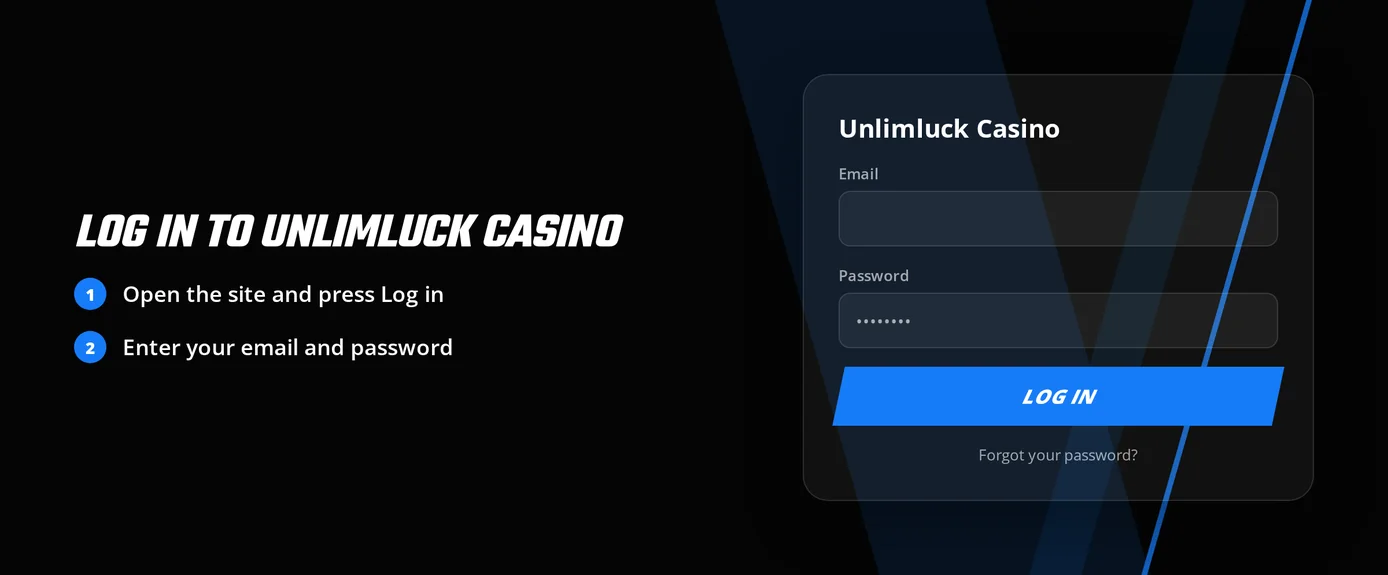
How to Log In: Step-by-Step
Unlimluck Casino provides three login options. You use the one you selected when you signed up.
| Registration method | What you enter at login |
|---|---|
| E-mail + password | Your registered e-mail address and password |
| Phone number + SMS code | Your phone number, then the SMS code sent to it |
| One-click registration | The access details saved when the account was created |
Launch the Unlimluck Casino website in your browser.
Select Log In.
Pick your login method and input your information.
Finish the email confirmation step if the site requires it.
Begin playing as soon as your account page appears.
Email confirmation serves as the two-step check. Have access to the inbox you registered with.
Login Problems and Fixes
Identify the problem you're having and try the corresponding solution before reaching out for help.
| Problem | Likely Cause | Quick Fix |
|---|---|---|
| Wrong password message | Typo, caps lock or an old password | Retype it slowly, then use the password reset |
| SMS code does not arrive | Wrong phone number or a delayed message | Request a new code and check the number you entered |
| Confirmation e-mail missing | Wrong address or a filtered message | Check spam and promotions folders, then request the e-mail again |
| Page loads but login fails | Stale cookies or cached files | Clear cookies and cache with the steps below |
| Account locked | A restriction on the account | Contact live chat |
| Verification on hold | An open KYC request | Send the documents support asks for |
Unlimluck Casino does not use authenticator apps. Email confirmation is the only extra security step.
To clear a browser problem:
- Close the casino website tab.
- Go to your browser settings and delete cookies and cache for the casino site.
- Relaunch your browser or use a private browsing window.
- Attempt to log in again using your normal method.
How to Reset Your Password
You can recover a lost password without contacting support. For phone number accounts, you log in with SMS codes, so just request a new code instead of resetting a password.
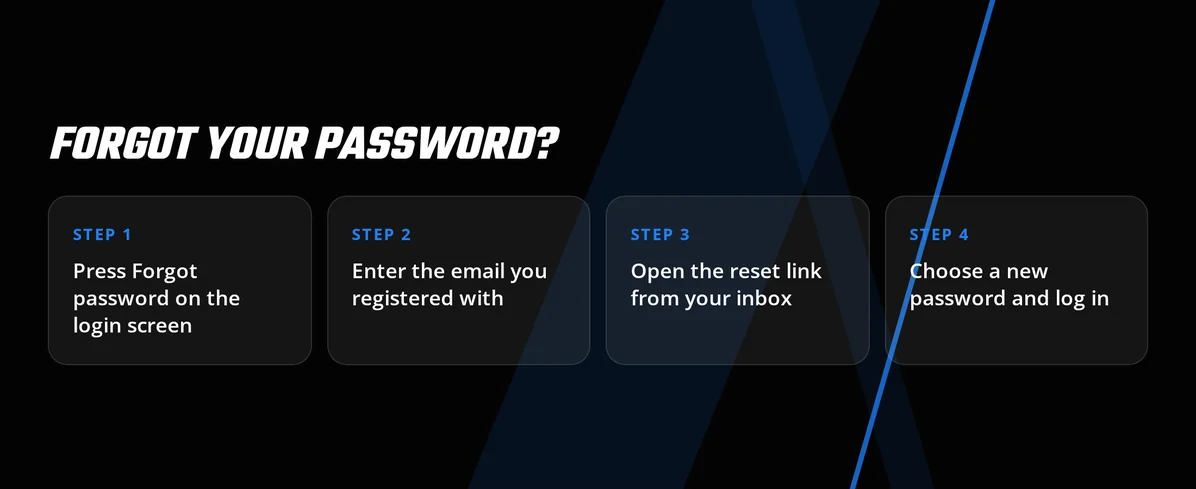
- Click Log In, then look for the 'forgot password' link.
- Type in the email address you used to register.
- Check your email and click the password reset link.
- Create a new password.
- Log in with your new password. Confirm your email if a prompt appears.
Choose a unique password, not shared with other sites. If no reset email arrives, check your spam folder. Verify the address spelling and contact live chat.
Account Locked or Suspended
A locked account requires human review. Use live chat for the quickest help, available 24/7. See the table for who handles each case.
| Situation | Who acts | When |
|---|---|---|
| Locked account | You open live chat, support reviews | Right away, around the clock |
| Self-exclusion or cool-off | Support applies it on your request | Access stays closed for the period set |
| Open verification request | You send documents, support approves | After approval |
Use this sequence to remove a block:
- First, reset your password. This rules out a login issue.
- Next, open live chat. Provide your registered email or phone number.
- Support will check your account status and explain the restriction.
- Then, follow their instructions, like submitting documents.
- Support lifts the restriction after resolving the problem.
Support can set self-exclusion or cool-off periods. A lock from these is deliberate. If gambling harms you or someone you know, contact GamCare - National Gambling Helpline 0808 8020 133 (gamcare.org.uk) for free, private help.
KYC Verification
Sign-up is simple: confirm your email and state you are 18+. Full identity checks happen later, when you withdraw. A verification request may come after you have played.
When a verification request is active:
- Use your regular login method.
- Contact live chat or email support to say you are verifying.
- Send the documents support requires.
- Support reviews them and confirms approval.
- Proceed with your withdrawal once support confirms.
Any action requiring verification will wait until support checks your documents. Submit them promptly when requested.
Logging In on Mobile
You can play at Unlimluck Casino right in your mobile browser. You log in the same as you would on a computer. There is no separate app for iOS or Android, nor is there a store download.
| Feature | Status |
|---|---|
| Mobile browser access | Yes |
| iOS app | No |
| Android app | No |
| Biometric login | No |
| Push notifications | No |
- Launch your mobile browser and go to the Unlimluck Casino website.
- Tap Log In.
- Type in your email and password, or your phone number with the SMS code.
- Confirm your email if the site asks you to.
Use your browser menu to add the site as a home-screen shortcut for quick access. Since biometric login isn't available, you'll need to enter your details each time.
Contact Support
Two channels handle account access problems, and both run around the clock in English.
| Channel | Availability | Language | Best for |
|---|---|---|---|
| Live chat | 24/7 | English | Locked accounts, missing codes, self-exclusion requests |
| 24/7 | English | Verification documents and detailed cases |
Gather this information before you contact support:
- Your registered email or phone number
- Your chosen sign-in method
- The full error text you receive
- Any steps you've already taken, like a password reset or clearing cookies
FAQ
Gambling is for adults aged 18 and older. Only use money you are comfortable losing. Set your limits beforehand. Support can arrange a cool-off or self-exclusion if needed. For free help, call GamCare on 0808 8020 133.